

Most businesses do not lose money because of poor products or weak marketing. They lose it quietly through repetitive admin work. Manual invoice sorting, CRM data entry, spreadsheet updates, meeting scheduling, reminders, file organization, and approval tracking quietly consume countless hours of valuable administrative time every week.
Each task may only take a few minutes. But across teams and weeks, those minutes compound into lost productivity, delayed operations, and unnecessary labor costs.
This is exactly where Zapier delivers measurable ROI by automating high-frequency workflows that run continuously in the background. This allows businesses to reduce repetitive admin work without hiring additional support staff or overwhelming employees with manual tasks.
The result:
- Fewer manual errors
- Faster operations
- Reduced administrative overhead
- More time for high-value work
- Significant weekly time savings
In this guide, we will explore 10 practical Zapier ROI use cases that can save 20+ hours of admin work every week while reducing operational friction across departments.
Why Zapier Delivers Strong ROI?
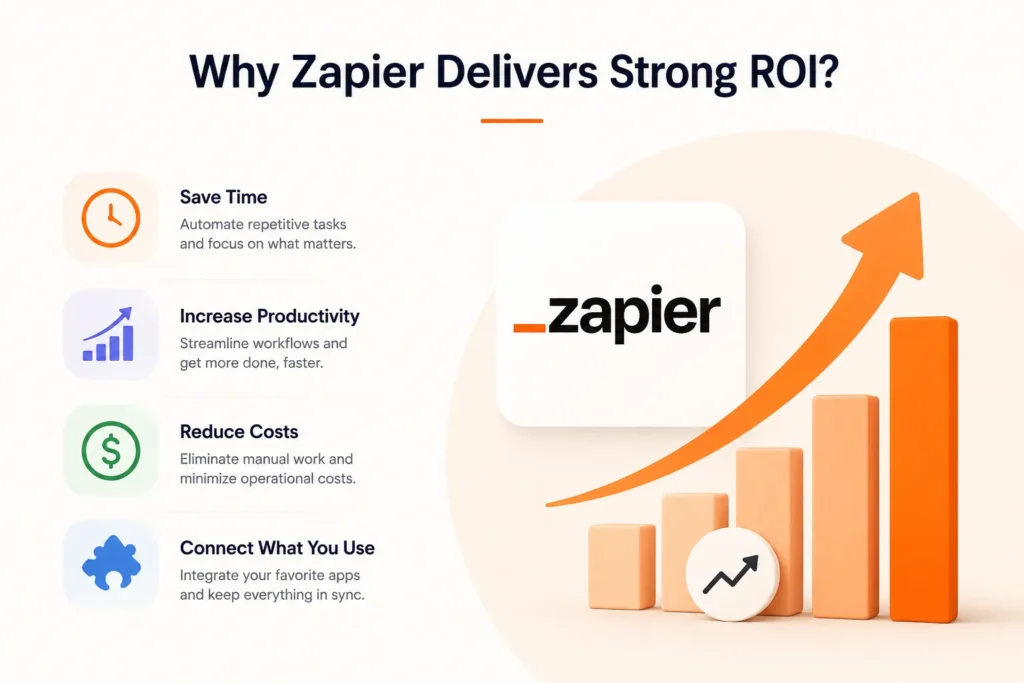
The real value of automation is not simply “saving time.” It is reallocating employee attention away from repetitive operational tasks and toward strategic work that generates revenue.
High-ROI automations typically share three characteristics:
- High-frequency tasks
- Low-complexity processes
- Repetitive data movement between tools
These are the perfect candidates for Zapier workflows. A single automation may save only 5–10 minutes per task. But if it runs 50–100 times daily, the impact becomes substantial.
For example:
| Task | Time Saved Per Day | Weekly Saving |
| Lead entry automation | 1 hour | 5 hours |
| Invoice sorting | 45 minutes | 3.75 hours |
| Calendar syncing | 30 minutes | 2.5 hours |
| Internal notifications | 20 minutes | 1.6 hours |
Combined, even simple workflows can eliminate more than 20 hours of admin effort every week.
1. Automatic Invoice Sorting and Accounting Entry
Finance teams often spend hours manually organizing invoices, downloading attachments, renaming files, and entering payment data into accounting systems.
This process is repetitive, slow, and highly error-prone.

Zapier ROI Use Case
Zapier can automatically:
- Detect invoice emails
- Extract attachments
- Upload files to cloud storage
- Create accounting entries
- Notify finance teams for approvals
Example Workflow
Gmail → Google Drive → QuickBooks → Slack
When a vendor invoice arrives:
- Zapier saves the invoice
- Creates a bookkeeping record
- Alerts the finance channel automatically
Weekly Time Savings
Estimated Savings: 3–5 hours/week
2. CRM Lead Entry Automation
Sales teams waste enormous time manually copying lead data from forms, ads, emails, and chat systems into CRMs.
This creates delays and often leads to lost opportunities.
Zapier ROI Use Case
Zapier can instantly push lead data into:
- HubSpot
- Salesforce
- Pipedrive
- Zoho CRM
- Airtable
Example Workflow
Facebook Lead Ads → HubSpot → Slack
Every new lead is:
- Added to the CRM
- Assigned to a rep
- Shared in a sales channel
Automatically.
Weekly Time Savings
Estimated Savings: 4–6 hours/week
3. Calendar and Meeting Synchronization
Managing multiple calendars across departments creates scheduling conflicts and missed meetings. Administrative staff often spend hours manually coordinating availability.

Zapier ROI Use Case
Zapier can sync calendars between:
- Google Calendar
- Outlook
- Calendly
- Zoom
- Microsoft Teams
Example Workflow
Calendly → Google Calendar → Zoom
When a meeting is booked:
- Calendar events are created
- Zoom links are generated
- Attendees receive confirmations automatically
Weekly Time Savings
Estimated Savings: 2–3 hours/week
4. Automated Employee Onboarding
HR onboarding involves repetitive setup tasks across multiple systems. Without automation, onboarding becomes inconsistent and time-consuming.
Zapier ROI Use Case
Zapier can automate:
- Account creation
- Welcome emails
- Slack invitations
- Task assignments
- HR notifications
Example Workflow
HR Form → Slack → Google Workspace → Trello
When a new employee is added:
- Accounts are created
- Teams are notified
- Onboarding tasks are assigned automatically
Weekly Time Savings
Estimated Savings: 2–4 hours/week
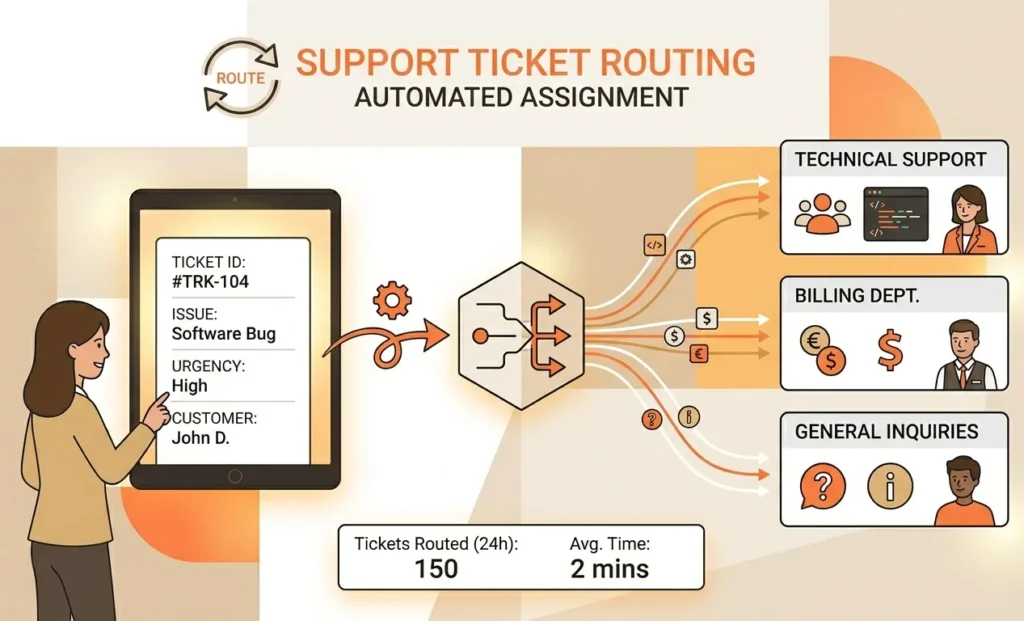
5. Support Ticket Routing
Customer support teams lose time manually categorizing and assigning tickets. Slow routing increases response times and customer frustration.
Zapier ROI Use Case
Zapier can:
- Detect ticket keywords
- Route requests to departments
- Trigger escalation alerts
- Prioritize urgent issues
Example Workflow
Typeform → Zendesk → Slack
High-priority tickets are instantly assigned to the correct support team.
Weekly Time Savings
Estimated Savings: 2–3 hours/week
6. Social Media Content Distribution
Publishing the same content across multiple platforms manually consumes hours every week.
Zapier ROI Use Case
Zapier can automatically distribute content between:
- WordPress
- X
- Buffer
Example Workflow
WordPress → LinkedIn → Buffer
Every published blog post is automatically shared across social platforms.
Weekly Time Savings
Estimated Savings: 1–2 hours/week
7. Internal Notification Automation
Teams constantly send repetitive updates as sales wins, payment confirmations, form submissions, and task completions manually, creating frequent interruptions that reduce overall productivity.
Zapier ROI Use Case
Zapier can send automatic notifications through:
- Slack
- Microsoft Teams
- Discord
Example Workflow
Stripe → Slack
Whenever a payment is received:
- Finance is notified
- Sales receives updates
- Dashboards stay current
Weekly Time Savings
Estimated Savings: 1–2 hours/week
8. File Organization and Backup Automation
Teams often forget to organize documents properly, leading to lost files and inconsistent storage structures.
Zapier ROI Use Case
Zapier can automatically:
- Rename files
- Move documents
- Create folders
- Backup important assets
Example Workflow
Google Forms → Dropbox → Google Sheets
Submitted files are automatically categorized and logged.
Weekly Time Savings
Estimated Savings: 1–3 hours/week
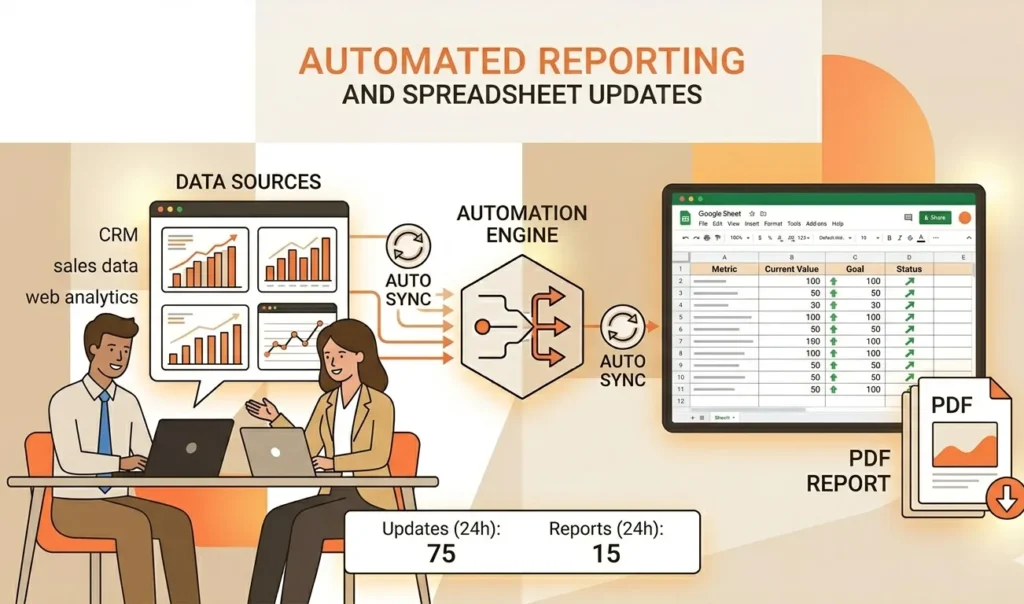
9. Automated Reporting and Spreadsheet Updates
Many businesses still rely on manual reporting processes that consume hours every week.
Zapier ROI Use Case
Zapier can automatically update dashboards and spreadsheets using live business data.
Example Workflow
Shopify → Google Sheets → Slack
Sales metrics update automatically in real time.
Weekly Time Savings
Estimated Savings: 2–4 hours/week
10. Task and Project Management Automation
Project managers waste time manually creating tasks, updating statuses, and notifying stakeholders.
Zapier ROI Use Case
Zapier can automate workflows between:
- Asana
- ClickUp
- Trello
- Monday.com
- Jira
Example Workflow
Gmail → Trello → Slack
Important emails automatically generate project tasks and notify teams.
Weekly Time Savings
Estimated Savings: 2–3 hours/week
How to Prioritize High-ROI Zapier Automations?
Not every workflow should be automated immediately. The most effective automation strategy is to start with processes that are repetitive, time-consuming, and easy to standardize. By prioritizing the right workflows first, businesses can achieve faster ROI, reduce operational inefficiencies, and create a stronger foundation for long-term automation success.
- High-Frequency Tasks – Workflows repeated multiple times daily or weekly
- Low-Decision Processes – Simple repetitive tasks with predictable actions
- Cross-Platform Data Transfers – Manual copy-pasting between tools and systems
- Error-Prone Workflows – Tasks where manual handling often causes mistakes
Final Thoughts
The real value of automation comes when it is designed around ROI, not just convenience. Businesses that strategically implement tools like Zapier can unlock faster growth, lower operational costs, and dramatically reduce the time spent on repetitive admin work. If you’re looking to maximize impact, ROI-focused Zapier consulting can help uncover and prioritize the highest-value automation opportunities tailored to your workflows. At techelix, we specialize in building smart, scalable automation systems that streamline operations, eliminate inefficiencies, and help businesses grow faster with clear, measurable Zapier-driven results.